
Where the recipe usually is on Facebook
- In the post text, often after “See more”.
- Spoken in the reel, or shown as on-screen text.
- In the first comment, or on a recipe website the page links to.
Save the recipe itself with Kept Kitchen
- Tap Share on the post or reel.
- Tap More to open your iPhone’s share sheet.
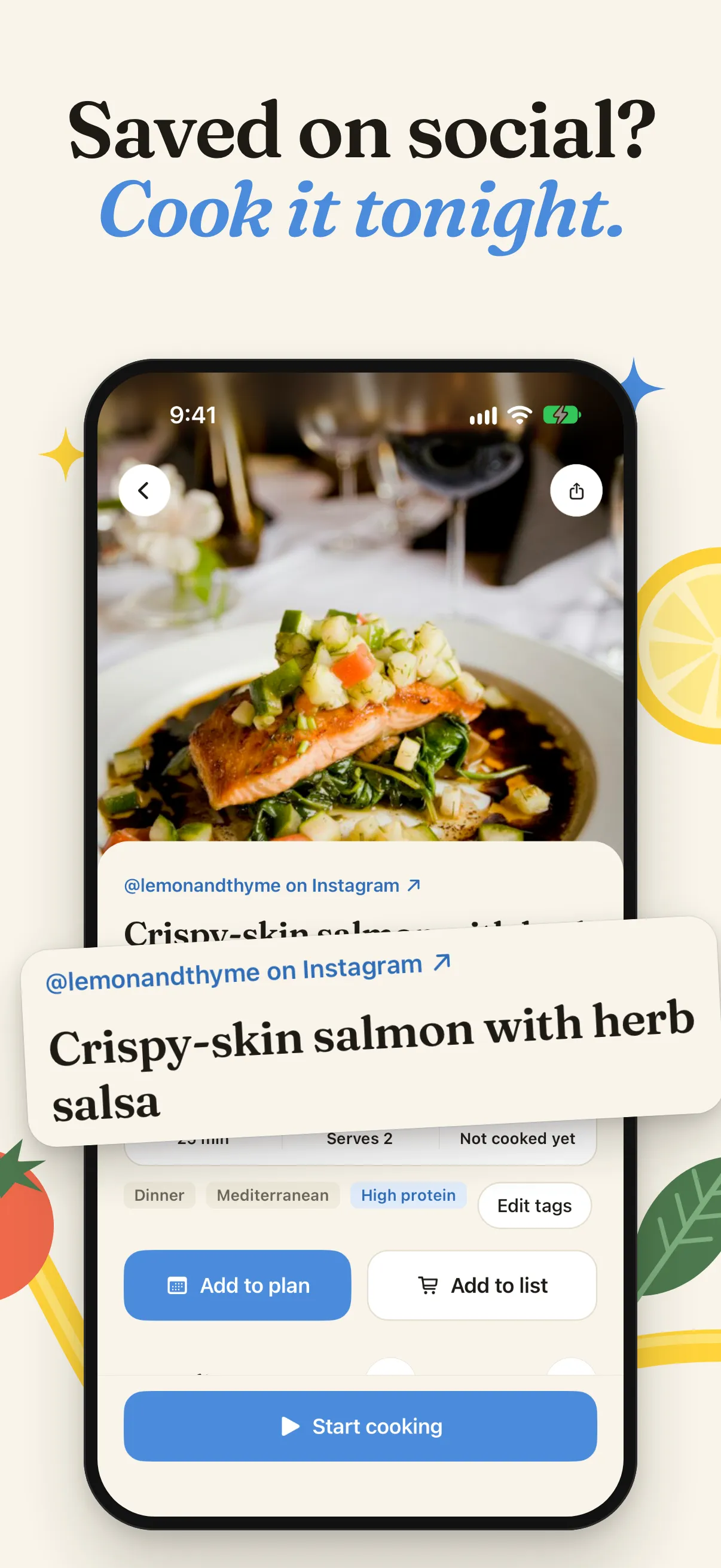
- Tap Kept Kitchen. It writes up the recipe and adds it to your library.
The first time, Kept Kitchen may be hidden at the end of the row of apps. Tap More, then Edit, tap the plus next to Kept Kitchen and drag it to the top, so it’s first next time.
Kept Kitchen only reads posts anyone can see, and never asks for your Facebook login. Each recipe keeps a link back to the original, so you can always check it against the post.
Save it without an app
- Tap the three dots (•••) on the post or reel.
- Tap Save post (or Save video). You can add it to a collection as you save.
Find it later under Menu, then Saved. You keep the post, so you’ll watch or read it again each time you cook, and it’s gone if the creator deletes it.
Saved on Facebook vs saved in Kept Kitchen
| Saved on Facebook | Saved in Kept Kitchen | |
|---|---|---|
| Ingredients and steps, written out | Only if the creator typed them out | Yes, read from the caption, comments, audio and on-screen text |
| Search and filters, including dietary needs | No | Yes |
| Still there if the original is deleted | No | Yes, with a link back to the original |
| Plan the week and get one grocery list | No | Yes, sorted by aisle |
| Cook mode that keeps the screen awake | No | Yes |
Tips
- Recipe pages often put the link to the full recipe in the first comment. Open it before you save.
- Group posts may be private to the group. Kept Kitchen can only read posts anyone can see.
- If sharing doesn’t show More, tap Copy link, open Kept Kitchen and paste the link.