

Skip to content
Menu
Get Kept Kitchen for iPhone

3-day free trial. Save recipes from any app.

Saving recipes

How to save recipes from Instagram

To save a recipe from Instagram, tap the bookmark icon under the post or reel; it goes into your Saved folder. That keeps the post, not the recipe. To keep the recipe itself, tap the Send (paper plane) icon, tap Share to…, then choose Kept Kitchen. It reads the caption, the creator’s comments, the audio and the on-screen text, and writes up the ingredients and steps.

Updated 21 November 2026 By the Kept Kitchen team

Where the recipe usually is on Instagram

  • In the caption, often in full: tap “more” under the post to see it.
  • Spoken in the reel, or shown as on-screen text.
  • Behind “comment RECIPE and I’ll DM you”, or on the creator’s website through the link in their bio.

Save the recipe itself with Kept Kitchen

  1. Tap the Send (paper plane) icon under the post or reel.
  2. Tap Share to… in the row at the bottom.
  3. Tap Kept Kitchen. It writes up the recipe and adds it to your library.

The first time, Kept Kitchen may be hidden at the end of the row of apps. Tap More, then Edit, tap the plus next to Kept Kitchen and drag it to the top, so it’s first next time.

Kept Kitchen only reads posts anyone can see, and never asks for your Instagram login. Each recipe keeps a link back to the original, so you can always check it against the post.

Save it without an app

  1. Tap the bookmark icon under the post or reel to save it.
  2. Press and hold the bookmark to add it to a collection, such as “Recipes”.

Find it later on your profile: tap the menu (three lines), then Saved. You keep the post, so you’ll watch or read it again each time you cook, and it’s gone if the creator deletes it.

Saved on Instagram vs saved in Kept Kitchen

Saved on InstagramSaved in Kept Kitchen
Ingredients and steps, written outOnly if the creator typed them outYes, read from the caption, comments, audio and on-screen text
Search and filters, including dietary needsNoYes
Still there if the original is deletedNoYes, with a link back to the original
Plan the week and get one grocery listNoYes, sorted by aisle
Cook mode that keeps the screen awakeNoYes

Tips

  • When a creator asks you to comment for the recipe, it’s usually sent by direct message. Kept Kitchen can’t read your messages, so open the DM, copy the recipe text and paste it into Kept Kitchen instead.
  • Carousels often have the recipe written on the last slide. Swipe to the end before you save.
  • Saved posts aren’t searchable by ingredient. A recipe app is, which matters once you have a few hundred.

Questions people ask

Where do saved Instagram posts go?

Open your profile, tap the menu (three lines) and choose Saved. Collections you’ve made show there too.

How do I get the recipe out of an Instagram reel?

Check the caption first (tap “more”). If it’s only in the video, send the reel to Kept Kitchen: tap the Send icon, then Share to…, then Kept Kitchen. It reads the audio and on-screen text as well as the caption.

Will the recipe disappear if the creator deletes the post?

A saved post or bookmark goes when the post goes. A recipe saved in Kept Kitchen is written out in your library, so it stays, with a link back to where it came from.

Can I save a recipe from a private account?

Not with Kept Kitchen. It only reads posts anyone can see, and it never asks for your social media login. Your platform’s own save button still works for posts you can see.

Is Kept Kitchen free?

You can try everything free for 3 days. Kept Kitchen is a subscription app: the yearly plan starts with a 3-day free trial and is then $39.99 a year, or you can choose $9.99 a month (US prices). The app reminds you a day before your trial ends.

The Kept Kitchen app

Cook the recipes you save

Share a recipe from Instagram, TikTok or any website and Kept Kitchen turns it into a clean recipe card, a dinner plan and a grocery list.

  • Saves from Instagram, TikTok, Facebook, Pinterest, YouTube and websites
  • Plans the week from recipes you’ve saved
  • Builds the grocery list, sorted by aisle
Download on the App Store

For iPhone. Try it free for 3 days, then $39.99 a year, or choose $9.99 a month. We’ll remind you before your trial ends.

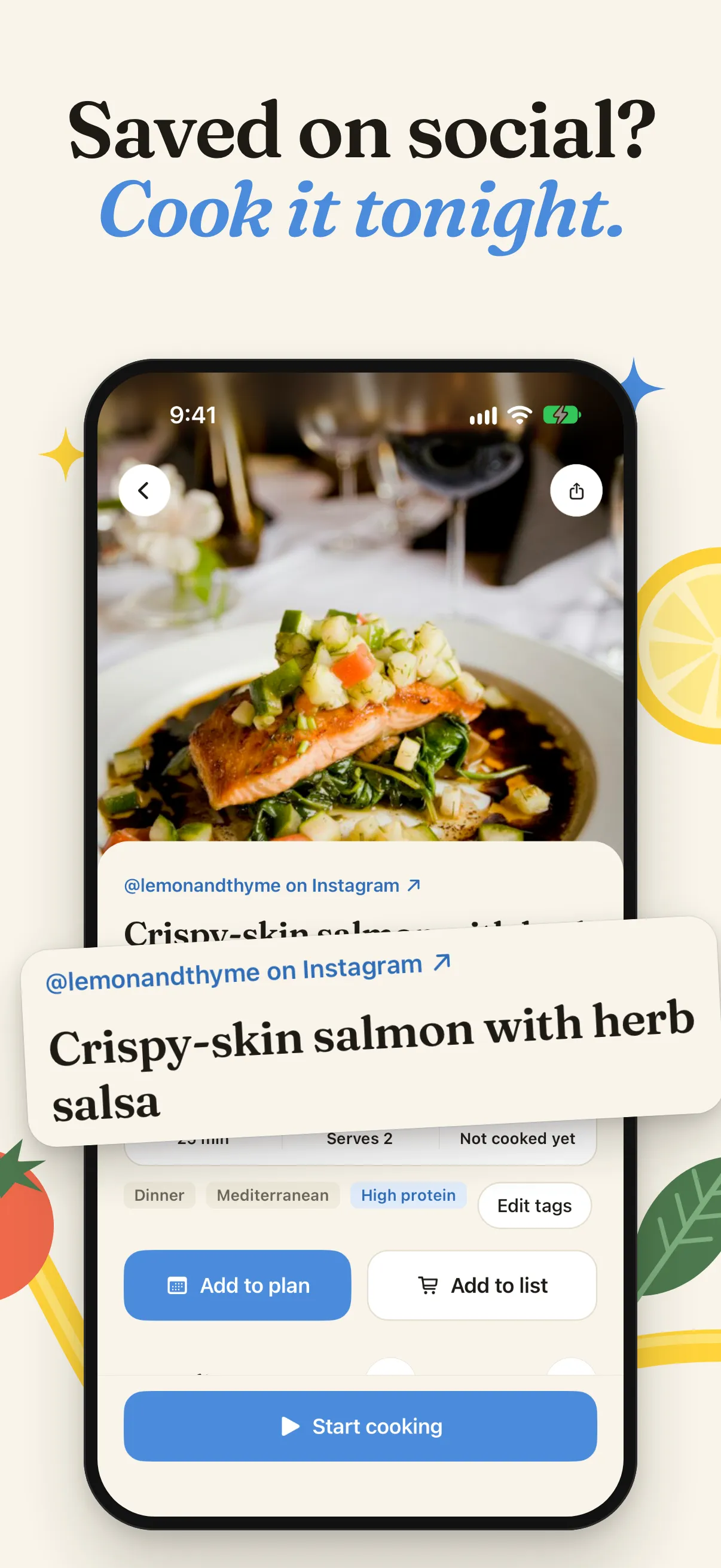
Kept Kitchen screenshot: “Saved on social? Cook it tonight.” A salmon recipe saved from Instagram.