
Why saved recipes get lost
Most of us save recipes in four or five places at once: screenshots in the camera roll, saved posts on Instagram and TikTok, Pinterest boards, browser bookmarks, and a few in a notes app. Each one works on its own, and none of them works when it’s 5pm and you want to know what you can make with chicken.
- Saved posts and screenshots aren’t searchable by ingredient or time.
- Posts disappear. When a creator deletes a post or a website moves a page, your save goes with it.
- The recipe often isn’t written down. It’s in a voiceover or flashes past on screen, so you have to rewatch it every time.
A simple system that sticks
- Pick one home. A notes folder, a recipe app or a binder: whichever you’ll actually open. Everything goes there.
- Write it out. Ingredients and steps, not a link. A link is a bookmark; a written recipe is yours.
- Tag as you go. Meal, main ingredient and time. Those three answer “what’s for dinner?” faster than any folder.
- Keep a short “to try” list. New saves go here until you’ve cooked them. If you loved it, it moves into your main collection.
- Plan from it once a week. Pick four or five dinners from your collection and make one shopping list.
Doing it for free
- Notes: one folder per meal, one note per recipe, with the ingredient list pasted in. Search works on the text.
- Paper: our free recipe card maker prints neat cards for a box or binder, and the printable meal planner gives you a week and a grocery list on one page.
- Grocery lists: paste the ingredients from your week’s recipes into the grocery list maker and it adds up duplicates and sorts them by aisle.
The catch with free methods is the typing. Copying a recipe out of a video by hand is the step most people skip, which is how the backlog builds up.
Doing it with Kept Kitchen
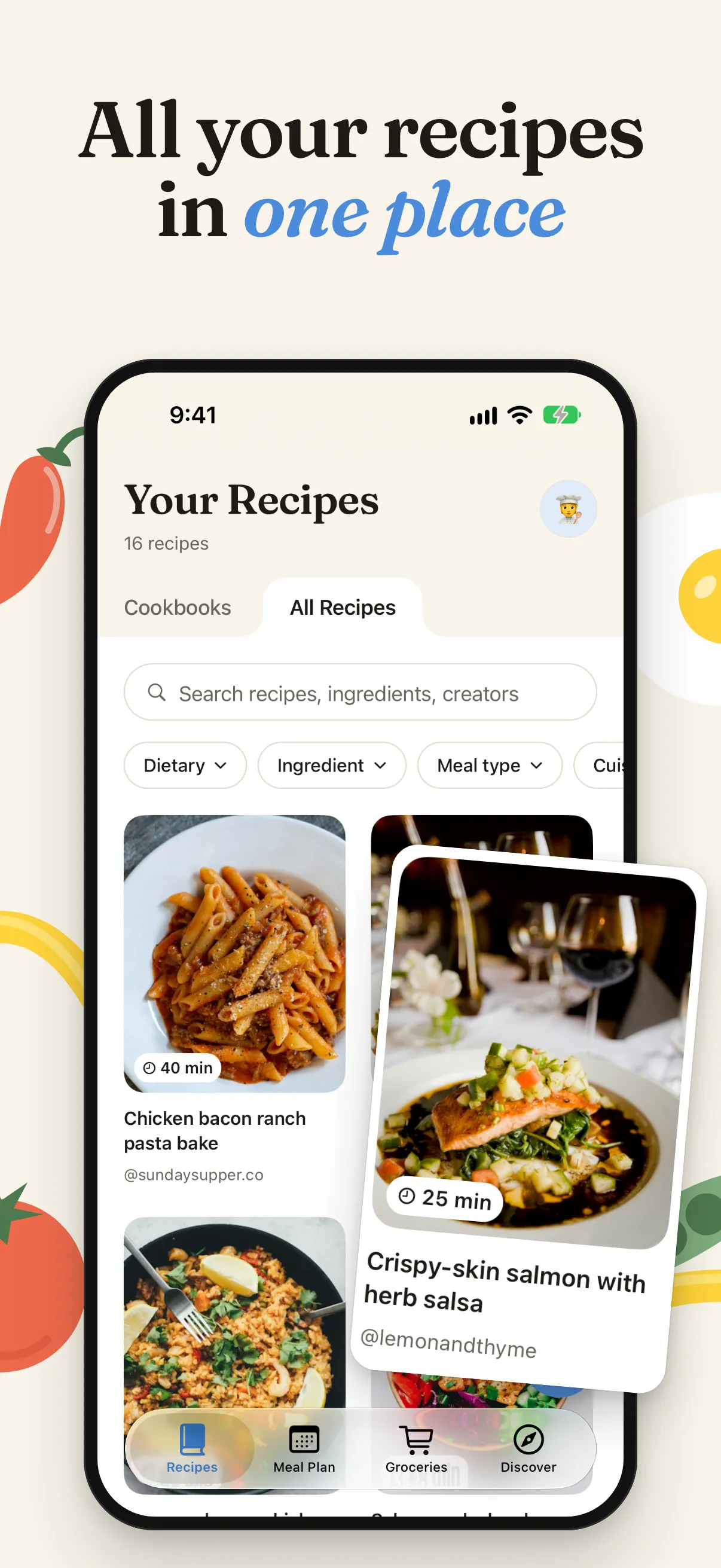
Kept Kitchen does the typing. Share a post from Instagram, TikTok, Facebook, YouTube or Pinterest, or a recipe page, and it writes up the ingredients and steps, files the recipe in your library and keeps a link to the original. Search and filter your library, including by dietary needs, plan the week, and get one grocery list sorted by aisle.
Clearing a big backlog
Don’t try to move 400 saves in one evening. Start with the ten you’d actually cook this month, move those, and cook one this week. Then add a few each time you’re waiting for the kettle. Anything you scroll past three times without wanting to cook can go.