
Where the recipe usually is on recipe websites
- In the recipe card, usually near the bottom, after the story and the photos.
- Behind a “Jump to recipe” button at the top of most food blogs.
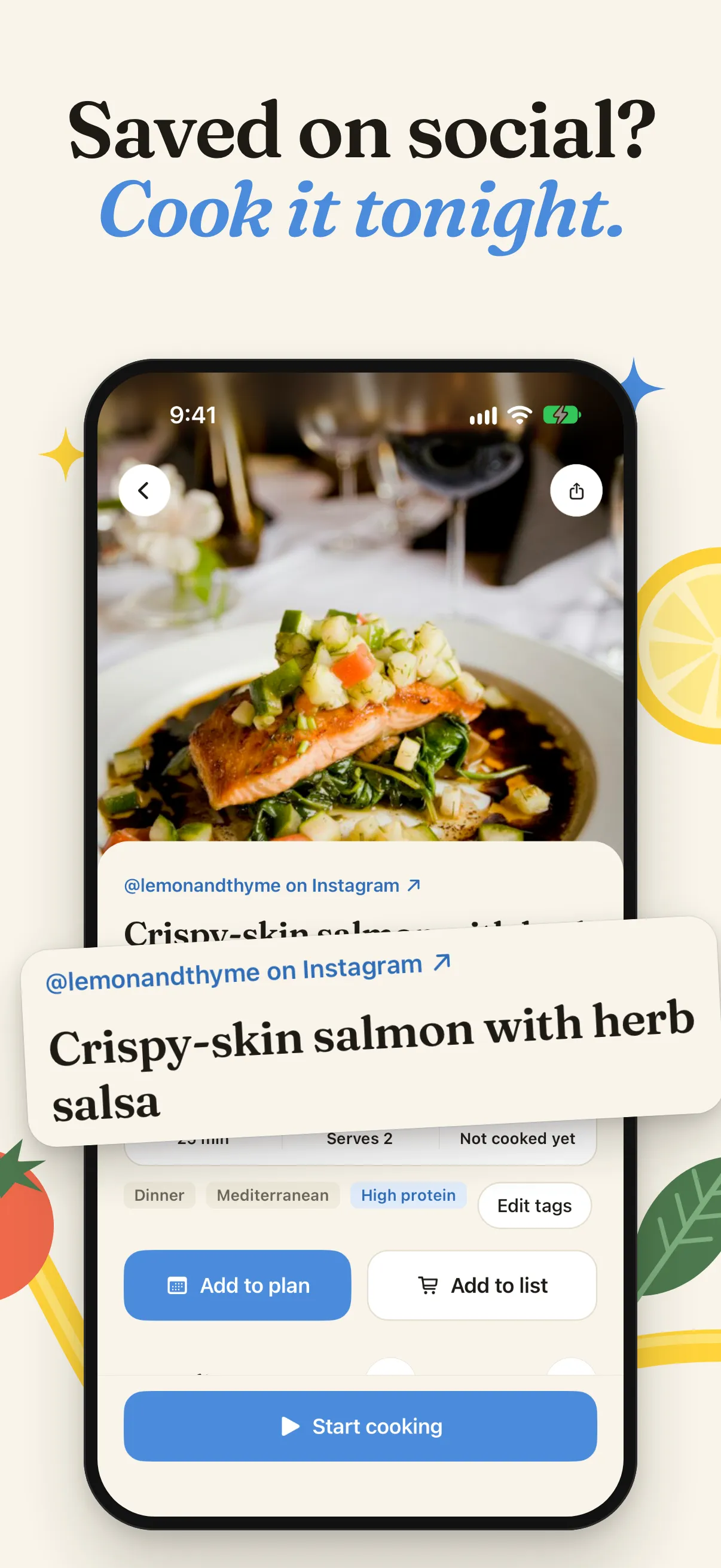
Save the recipe itself with Kept Kitchen
- In Safari (or Chrome), tap Share.
- Tap Kept Kitchen in the row of apps. If you don’t see it, tap More.
- It saves just the recipe to your library, with a link back to the page.
Kept Kitchen only reads posts anyone can see, and never asks for your passwords. Each recipe keeps a link back to the original, so you can always check it against the page.
Save it without an app
- In Safari, tap Share, then Add Bookmark (or Add to Reading List).
- Or tap Share, then Print, and pinch out on the preview to save it as a PDF.
Find bookmarks under the book icon in Safari. You keep the whole page, so you’ll scroll past the story again each time you cook.
Bookmarked page vs saved in Kept Kitchen
| Bookmarked page | Saved in Kept Kitchen | |
|---|---|---|
| Ingredients and steps, written out | Yes, with the story and ads around them | Yes, just the recipe |
| Search and filters, including dietary needs | No | Yes |
| Still there if the original is deleted | No | Yes, with a link back to the original |
| Plan the week and get one grocery list | No | Yes, sorted by aisle |
| Cook mode that keeps the screen awake | No | Yes |
Tips
- Use “Jump to recipe” at the top of the page to skip the story.
- Printing straight from the page often prints the ads too. Look for a Print button on the recipe card itself.
- Recipe websites change their pages. A saved copy means you still have it if they do.